How table ordering works
Table QR menu for UAE restaurants: guests order and call the waiter from their phone, orders appear on your screen. Menu free; ordering free for the first month, then AED 99 a month.
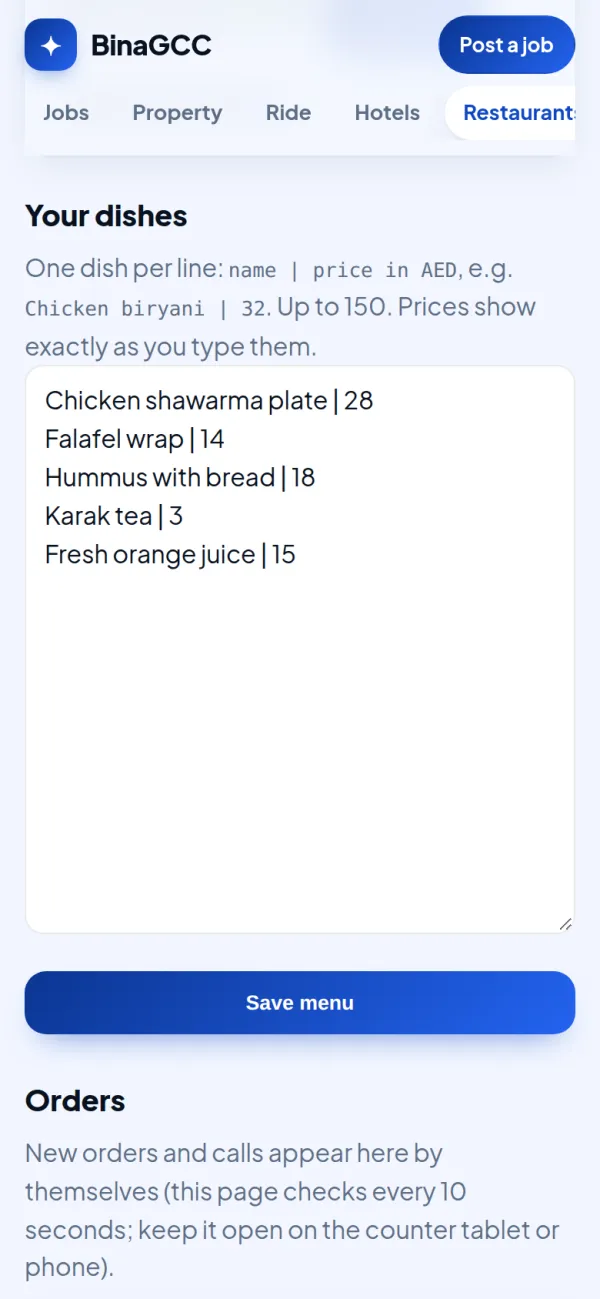
1. Type your dishes
After your page is approved, open your private link and press "Menu and table ordering". One dish per line, with its price in AED.
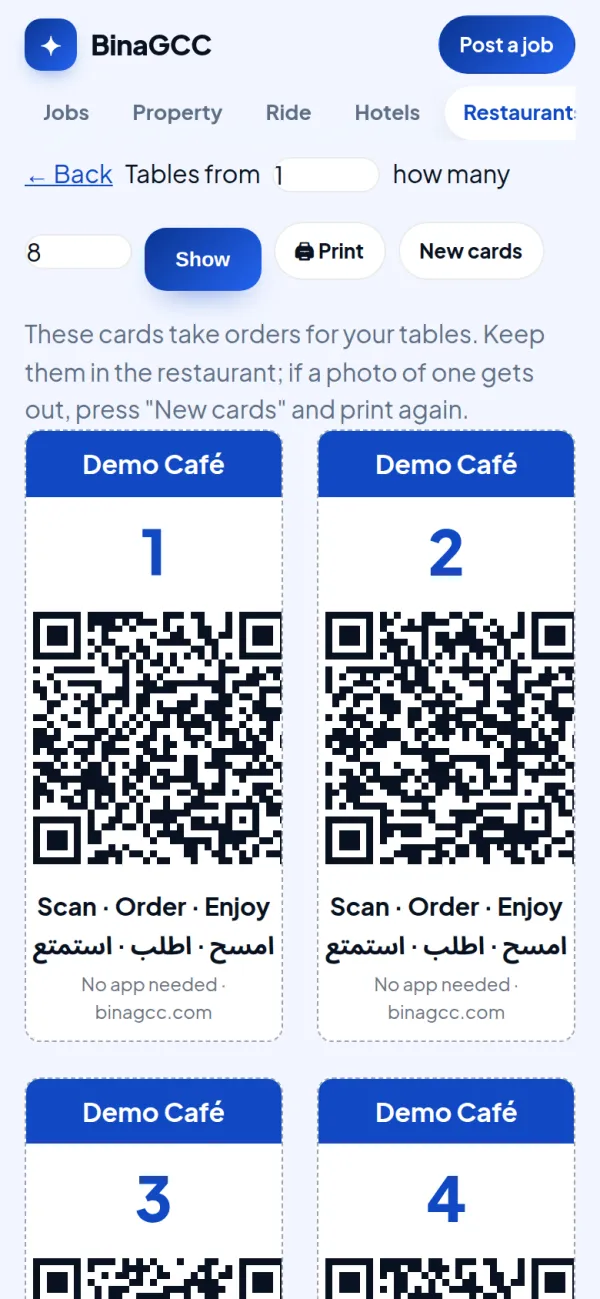
2. Print a QR card for each table
Each card carries its table number and its own code, so only guests sitting at that table can order from it. If a photo of a card gets out, press "New cards" and print again.
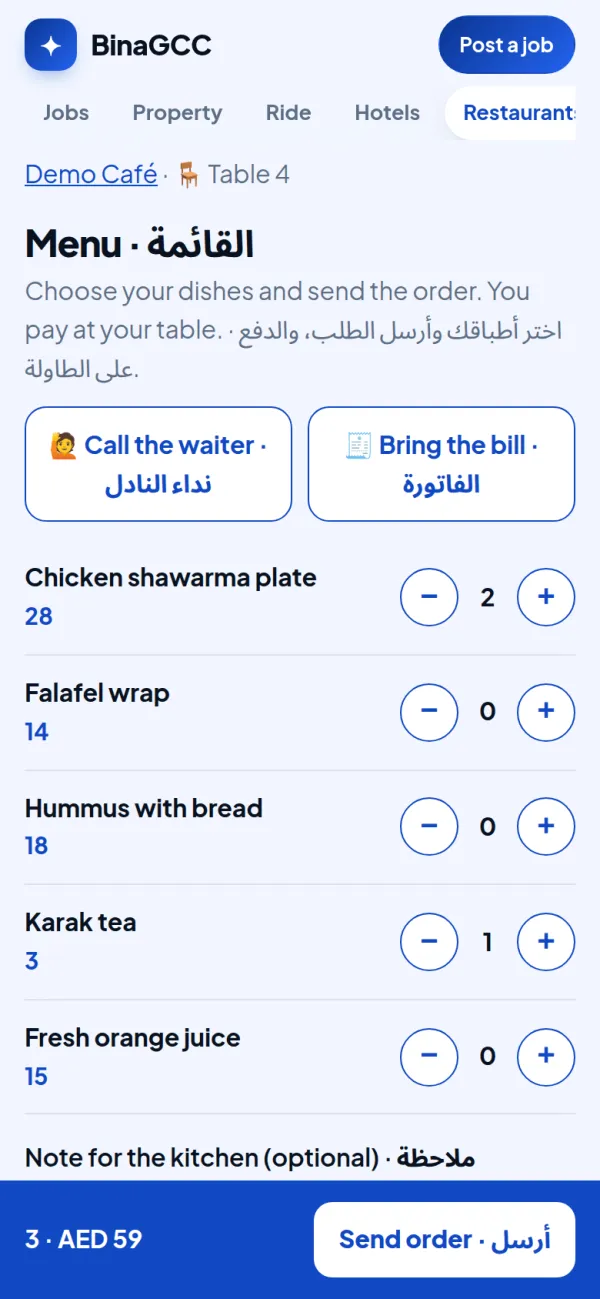
3. Guests order from their phone
No app. They pick dishes, add a note, send the order, or press "Call the waiter" / "Bring the bill". Prices come from your menu only.
4. Orders appear on your screen
Keep the page open on the counter tablet or a phone: new orders and calls appear by themselves with a sound. Press Seen, then Done.
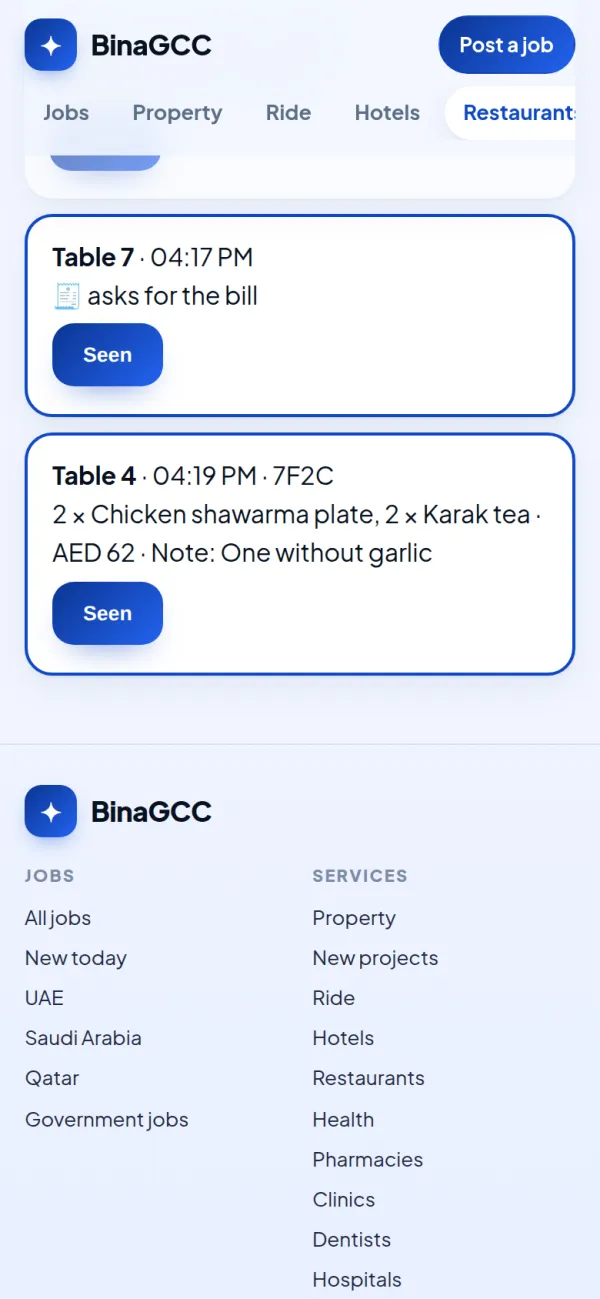
Screenshots from a demo restaurant with example dishes.
FAQ
The menu page is free. Table ordering is free for your first month (it starts when you switch it on), then AED 99 a month. Cancel any time; your menu page stays free.
No. Guests pay you at the table, as they do today. BinaGCC takes no commission and no payment.
Find your restaurant on BinaGCC, press "Claim this page" (free), and once the team approves it you get your private link.
Ordering switches off by itself unless you continue. Your menu page and your restaurant page stay up, free.